# Note-taking, done right.
Quartz is a self-hosted notes server for people who want their notes as **plain Markdown files** and still want to share them.
- version
- 0.1.0
- license
- AGPL-3.0
- runs on
- Linux, NixOS
- needs
- Node 24, Postgres 18
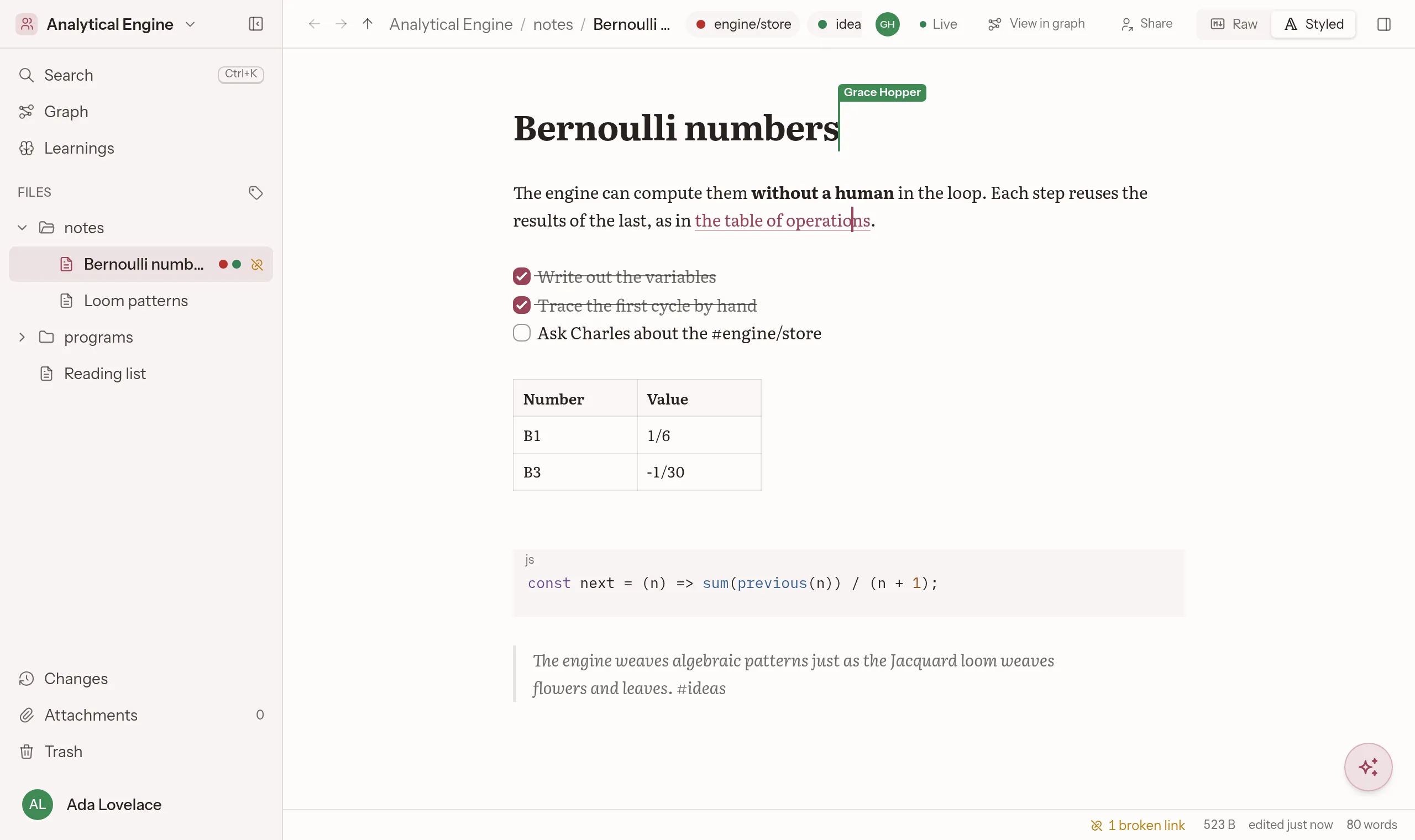

## Links that keep working
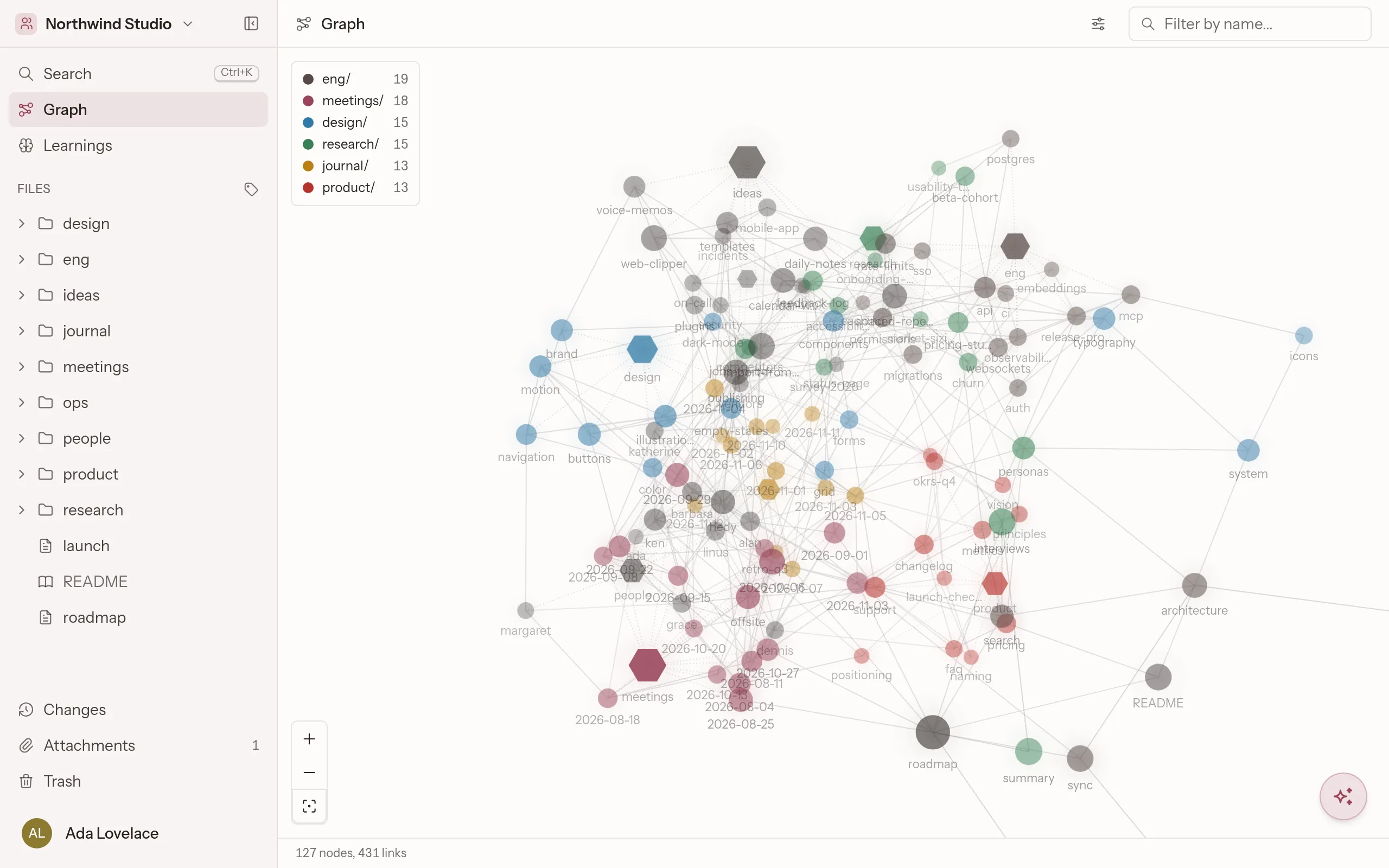
Link notes across spaces. Rename or move one and every link that points at it is rewritten. Backlinks, an outline and a 3D graph show what connects to what, and which notes are related though nobody linked them.

## Boards live in notes
Embed a kanban board in any note and edit it in place. Each card has a priority, a due date, assignees and notes of its own. Every space’s home lists the cards assigned to you.


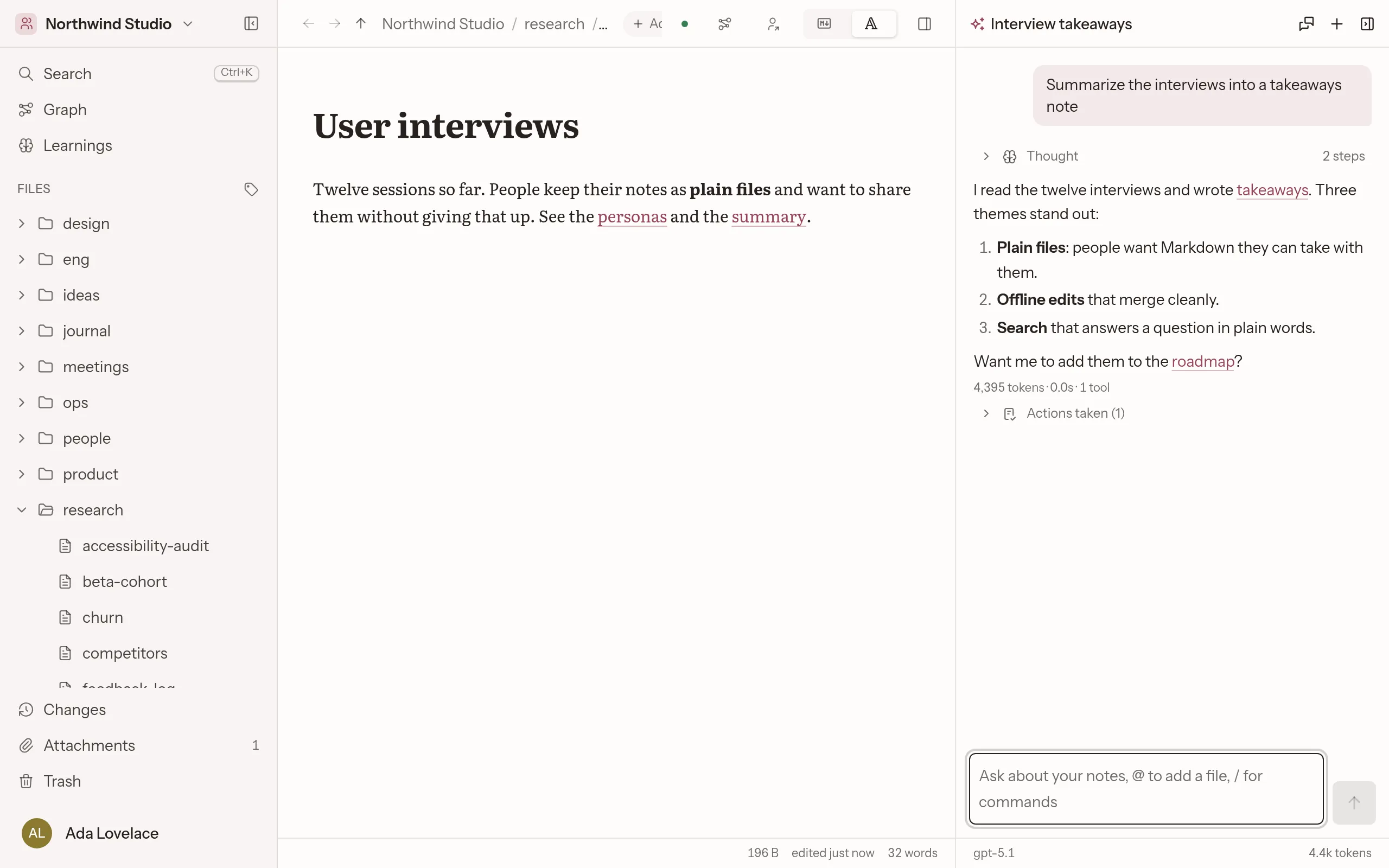

## An assistant you can undo
It reads and writes notes with the same tools your agents get over MCP. Every change it makes is listed under its answer, one button from undone. Use any OpenAI-compatible model, local ones included.
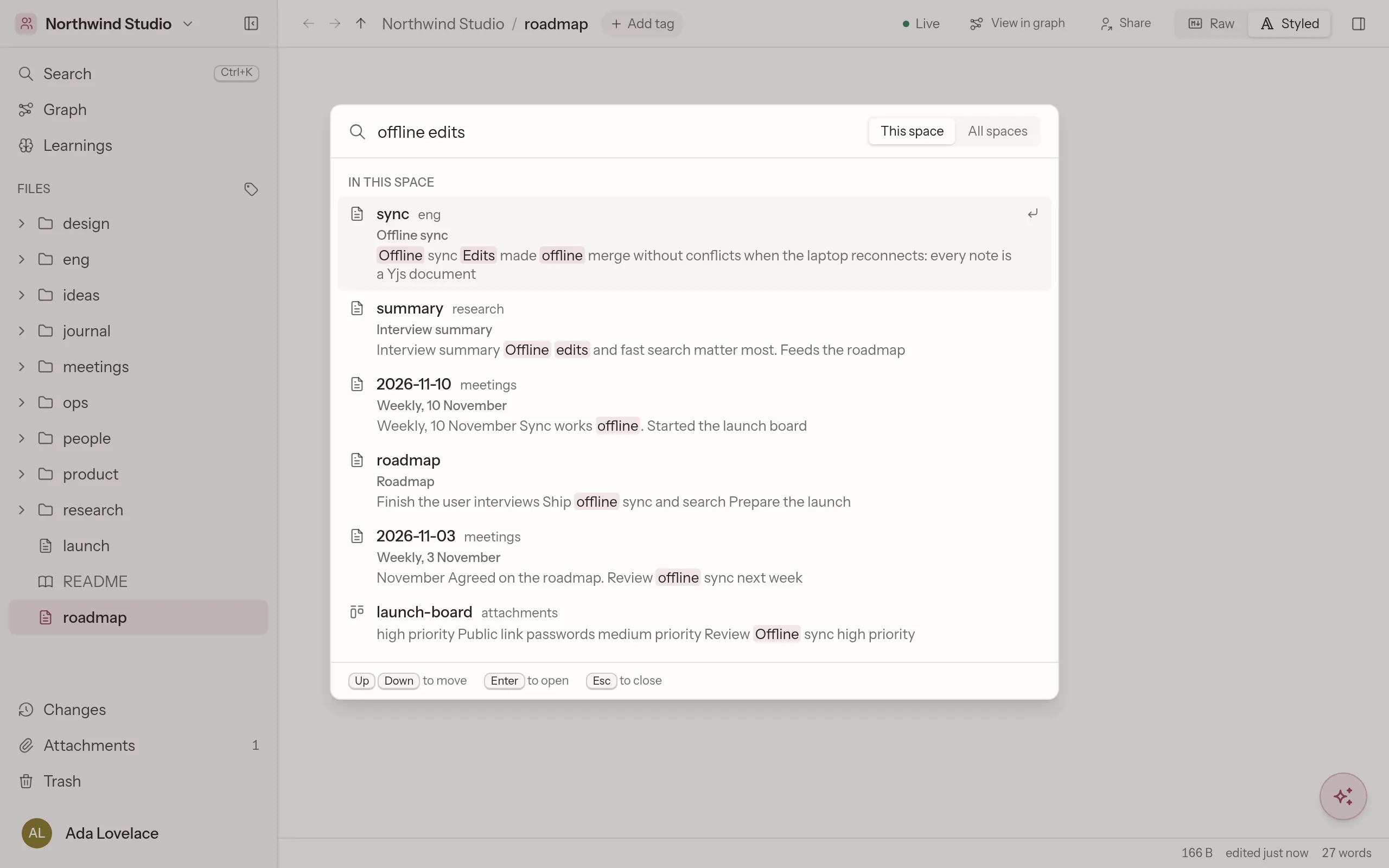

### Search in plain words
Ranks passages, weighs rare words and follows links. With an embedding model it also finds notes by what they mean.
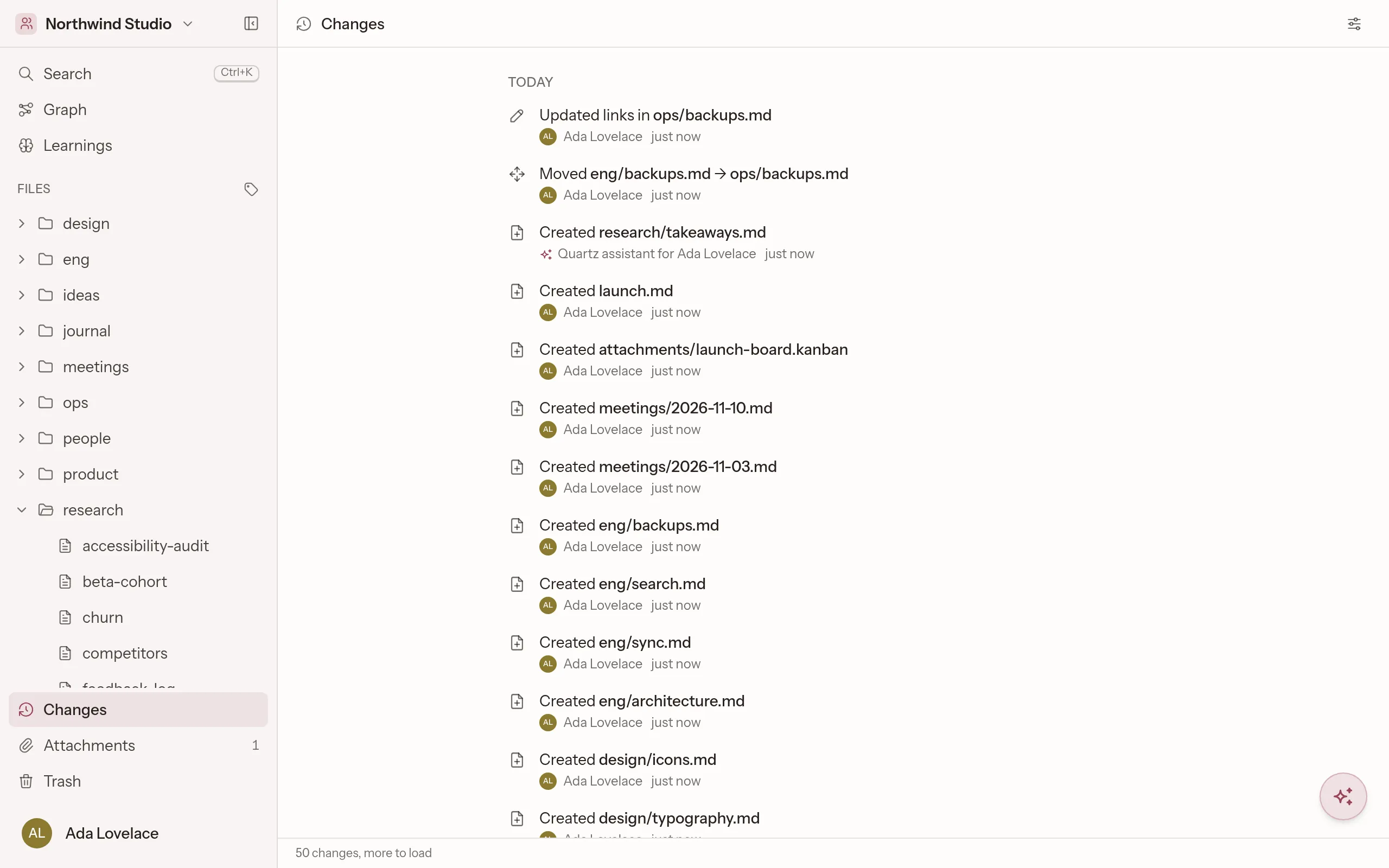

### Every change, on the record
Each create, edit, move and tag is logged with who made it, person or agent, and can be reverted. Notes keep their full history.
## Also in v0.1.0
- - [x]Live co-editing with cursors; offline edits merge without conflicts
- - [x]Export any space as a zip of Markdown, drawings and boards
- - [x]Excalidraw drawings inside notes, on your own accounts
- - [x]A remote MCP server for Claude, Codex and other agents
- - [x]Single sign-on through OpenID Connect
- - [x]Public read-only links, with an optional password
- - [x]Math, Mermaid diagrams, callouts and footnotes
- - [x]A command palette, a quick switcher and vim motions
## Run it yourself
One Node server and Postgres, from Docker Compose, a Nix flake or a NixOS module. See the [installation guide](docs/installation.md).
Read the source```sh
git clone https://git.cumsek.com/quartz/quartz.git
cd quartz
cp .env.example .env
docker compose --profile app up --build -d --wait
printf '%s' 'a long password' | docker compose exec -T app \
quartz-admin create-user admin --admin --password-stdin
# open http://localhost:8080 and sign in as admin
```